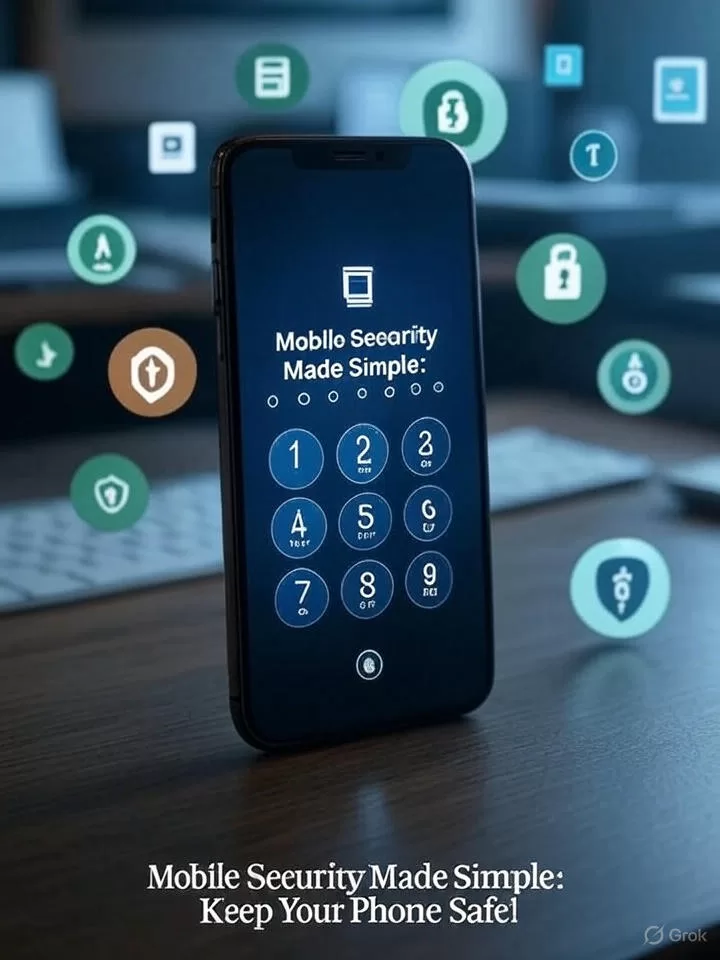
Your phone holds your life. It has photos, messages, and bank details. Hackers want this data. Mobile security keeps it safe. It protects against theft and viruses. You can do simple steps to stay secure. This guide covers the basics. It’s easy to follow. Start today.
Why Mobile Security Matters
Phones are everywhere. We use them daily. They connect to the internet. This makes them targets. A breach can steal your info. It can cost money or time. Security stops these risks. It gives you peace of mind. Everyone needs it, no matter the phone.
Device Security: Lock Your Phone
Keep strangers out of your device. Use a strong passcode. Make it at least six digits. Avoid easy numbers like 1234. Biometric authentication helps too. Fingerprint or face scans are fast. They add a layer of safety. Turn them on in settings.
Encryption is key. It scrambles your data. Only you can unlock it. Most phones do this by default. Check your settings. Update your software often. This fixes security holes. Don’t skip updates. They keep your phone strong.
Network Security: Safe Connections
Data travels over networks. Wi-Fi can be risky. Public Wi-Fi is easy to hack. Use secure connections instead. Look for “HTTPS” on websites. It shows the site is safe. Avoid logging in on public networks.
A VPN is a great tool. It hides your data. It creates a private tunnel. Use a trusted VPN app. Turn it on for public Wi-Fi. This stops hackers from seeing your info. Check reviews before choosing a VPN.
Application Security: Smart Downloads
Apps can carry threats. Only download from trusted stores. Use the Apple App Store or Google Play. Avoid third-party sites. They may have fake apps. Fake apps can steal your data.
Keep apps updated. Updates fix bugs. They block new viruses. Turn on auto-updates if you can. Check app permissions. Don’t let apps access everything. Limit what they can see. This reduces risks.
Common Threats to Watch
Phishing is a big danger. Scammers send fake texts or emails. They ask for your info. Don’t click links from strangers. Malware is another risk. It sneaks in via bad apps. It can lock your phone or steal data. Be careful what you install.
Lost phones are a problem. Someone could access your data. Use a remote wipe feature. It erases data if your phone is lost. Set it up now. It’s a lifesaver.
Tips for Everyday Safety
Log out of apps when done. This adds protection. Don’t share your passcode. Keep it secret. Use two-factor authentication. It adds a second check. You get a code on your phone. Enter it to log in.
Watch for odd signs. Slow performance can mean a virus. Pop-ups are a red flag. Run a security scan if you see these. Use trusted antivirus apps. They help catch problems early.
What to Do If Hacked
Act fast if your phone is compromised. Disconnect from the internet. This stops more damage. Change your passwords. Use strong, unique ones. Contact your bank if needed. They can freeze accounts.
Reset your phone if it’s bad. Back up data first. A factory reset clears everything. Set it up again with new security. Get help from a pro if unsure.
The Future of Mobile Security
Technology keeps changing. New threats appear daily. Companies work on better tools. AI helps spot risks fast. Phones may get smarter locks. Biometrics could improve. Stay updated on trends. Follow tech news.
Governments set rules too. They push for better security. This protects users. Laws may require stronger encryption. Check local laws. They affect your phone’s settings.
Get Started Today
Mobile security is your job. Take small steps. Set a passcode now. Use a VPN on public Wi-Fi. Download apps wisely. Check settings often. These habits keep you safe.
Teach your family too. Kids use phones a lot. Show them the basics. Make it a habit. A secure phone is a happy phone. Visit our Tech Tips for more advice.
For more updates and analysis, visit our
LJ News.
WhatsApp
Facebook